
Bhubaneswar: The Bhubaneswar Municipal Corporation (BMC) recently started a drive to identify businesses running without the mandatory trade licence. Here’s how you can apply for one online:
- Log on to the website https://citizenservices.bhubaneswar.me/citizenservice/bmc or download the ‘Bhubaneswar Me’ app. In our experience, we noticed that the app worked while the site showed error while submitting.
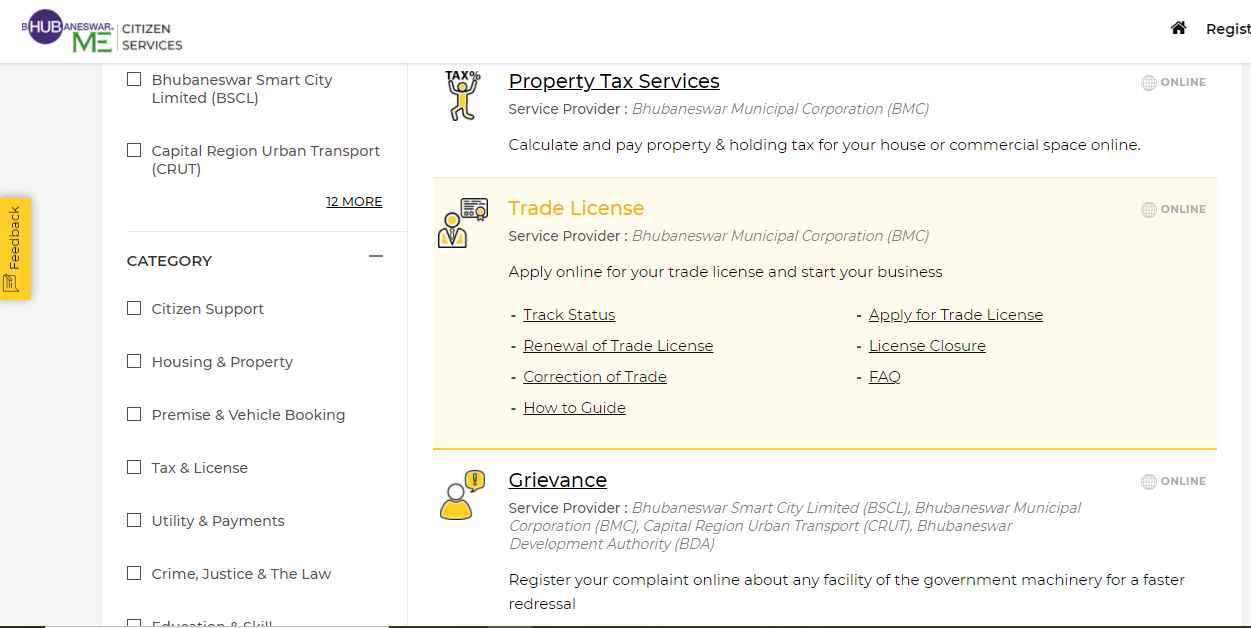
- Click on ‘Trade License’ and then ‘Apply for Trade License’
- Then login or create a new id using the ‘Create Account’ link.
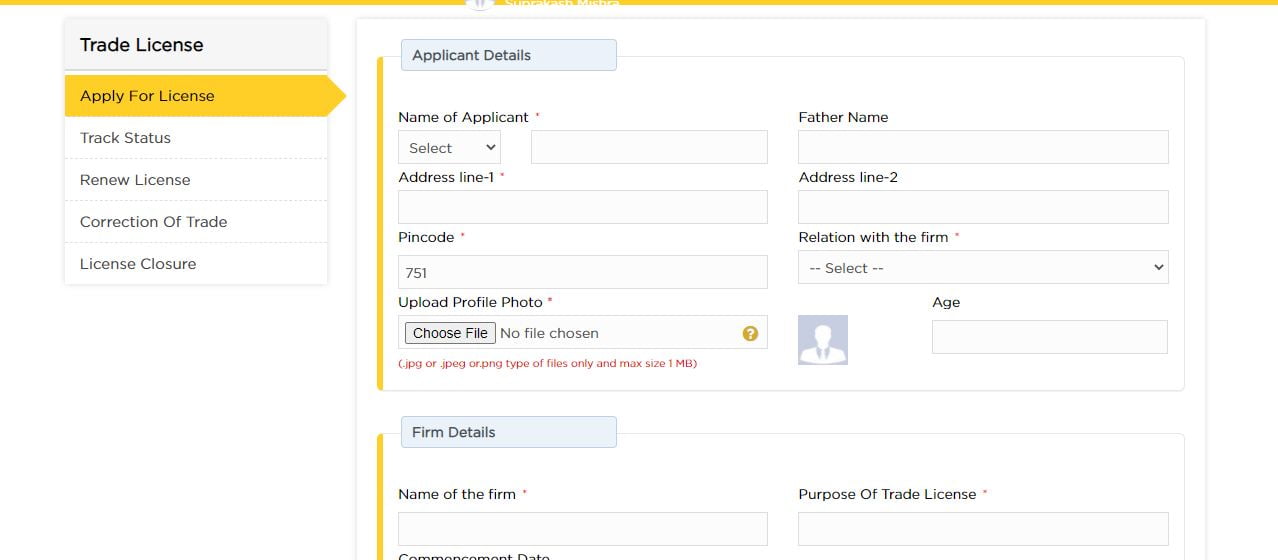
/wp-content/uploads/2021/02/how-to-get-trade-licence-online-bmc-login.jpg” alt=”how to get trade license online bhubaneswar” width=”915″ height=”592″ /> - Fill up the required details. Make sure to upload the correct format of files such as png, jpg or pdf as mentioned.
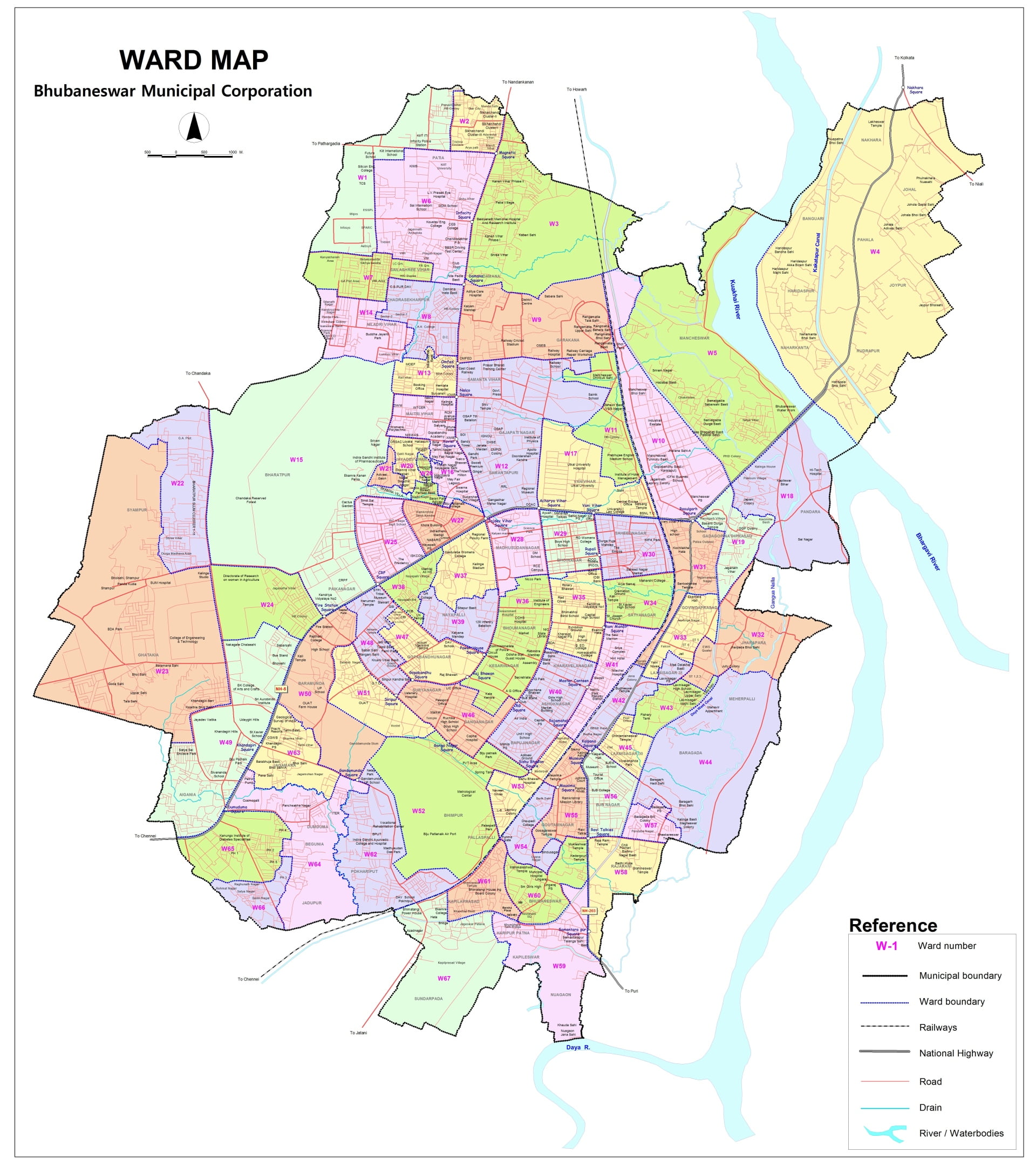
- In case you do not know what your ward number is, you can refer to the map below or check it on BMC’s site.
- You will be given a provisional trade licence immediately that you can download. It is recommended to display a print-out of the same at your business premises.
- You can track the status of your licence by entering the number given with it.


Also Read: BMC Starts Drive To Track Down Trade Licence Violators